Smileprooflog inBook a demo

Chairside smile simulation for dental clinics

Show patients their new smile before they say yes.

Smileproof turns one chairside photo into a realistic before-and-after preview for veneers, whitening, bonding or a full makeover. The patient sees the result instead of imagining it, and decides with confidence.

Edit focused on the smile, processed privately, never storedA visualization aid, not a diagnosis or a guaranteed outcome
Built by ClinicEdge Studio — the team behind dental-clinic websites and growth systems — founded by Abdullah, a former dental student who works alongside dentists every day. Onboarding clinics now.
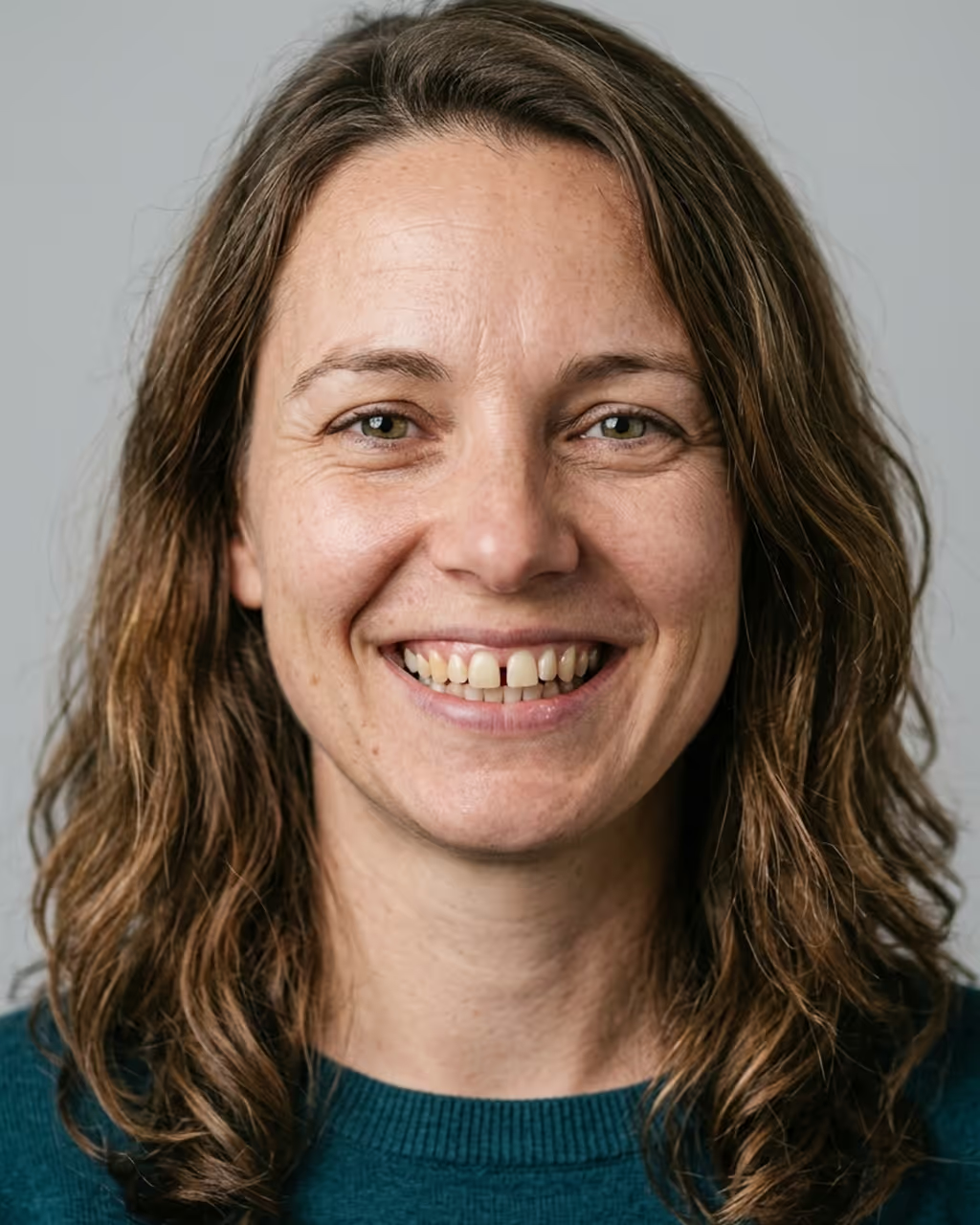
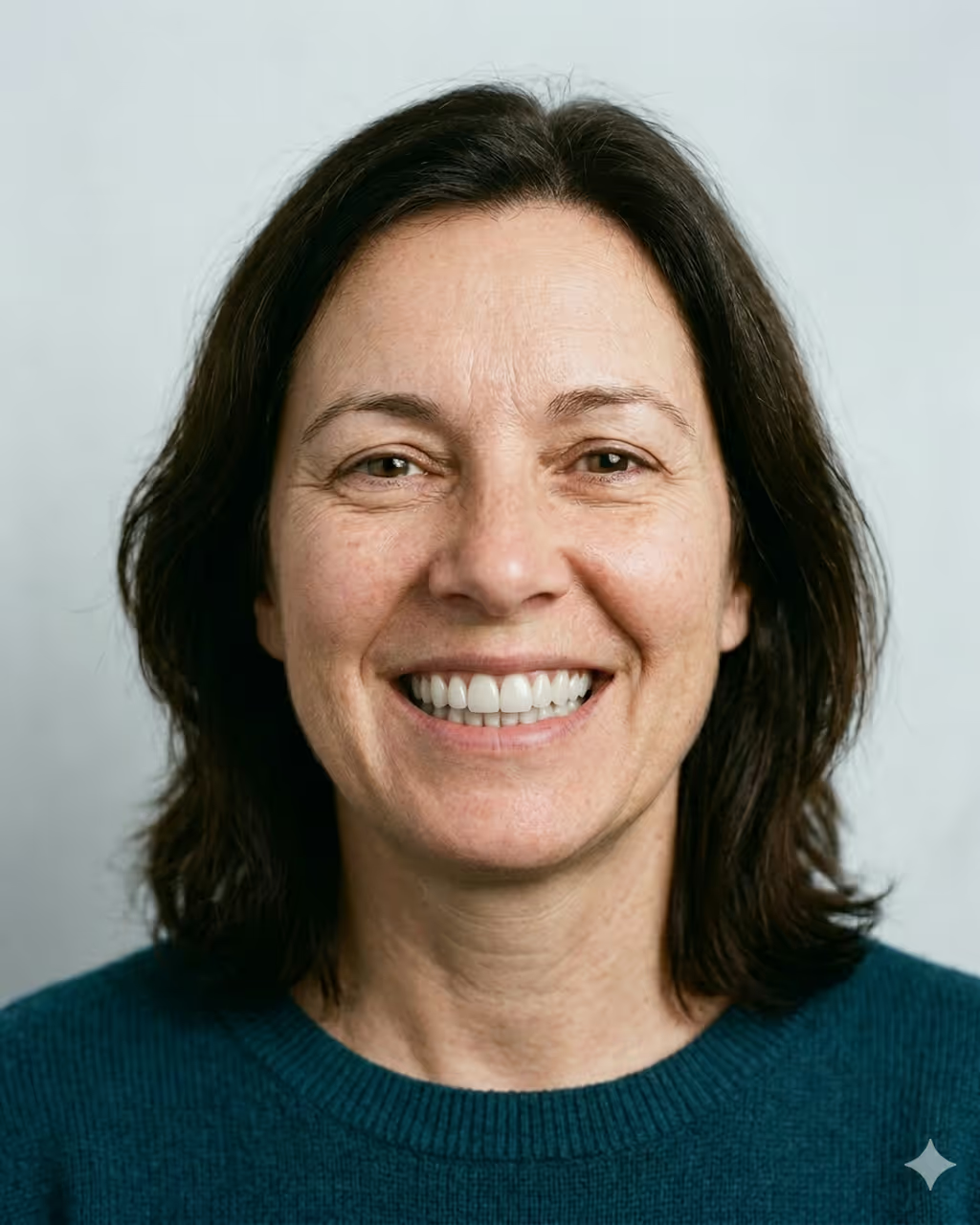
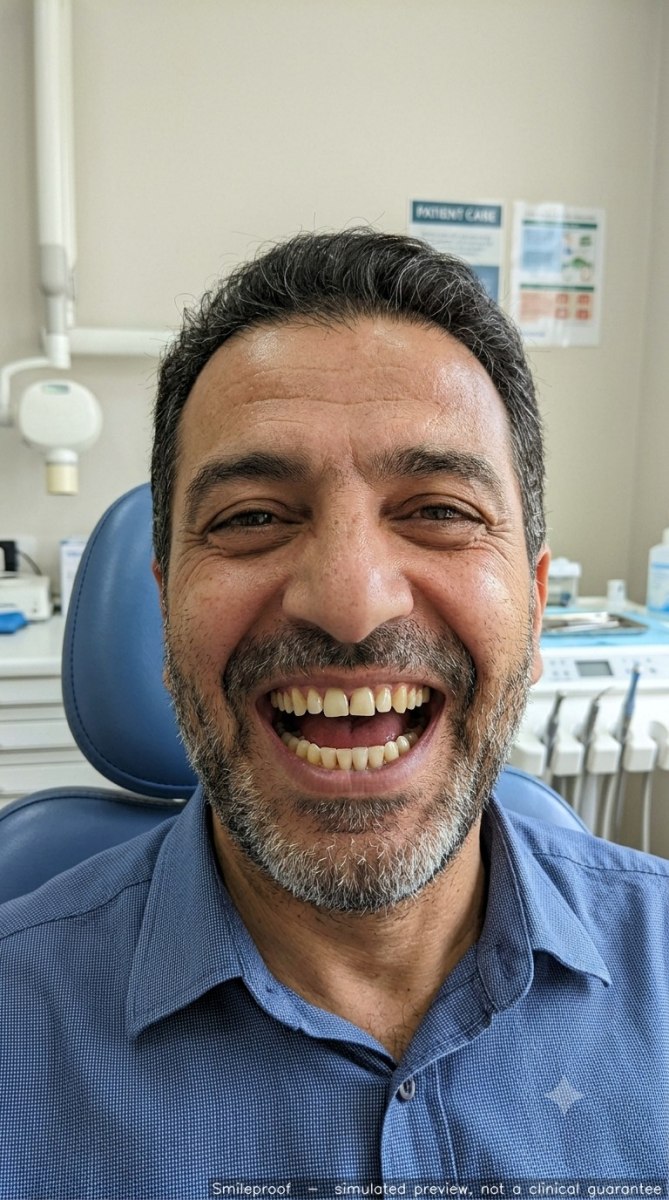
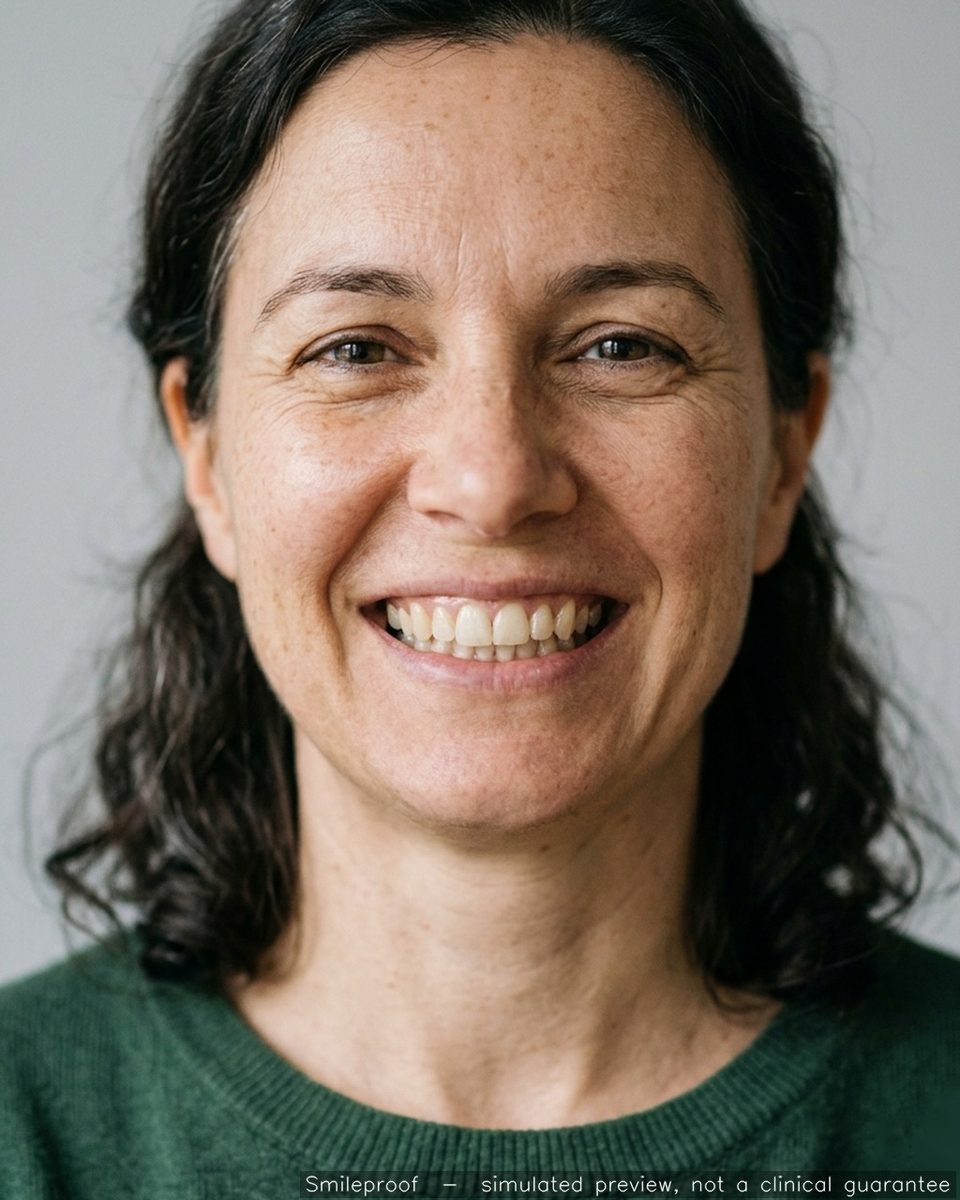
Simulated smile after veneers
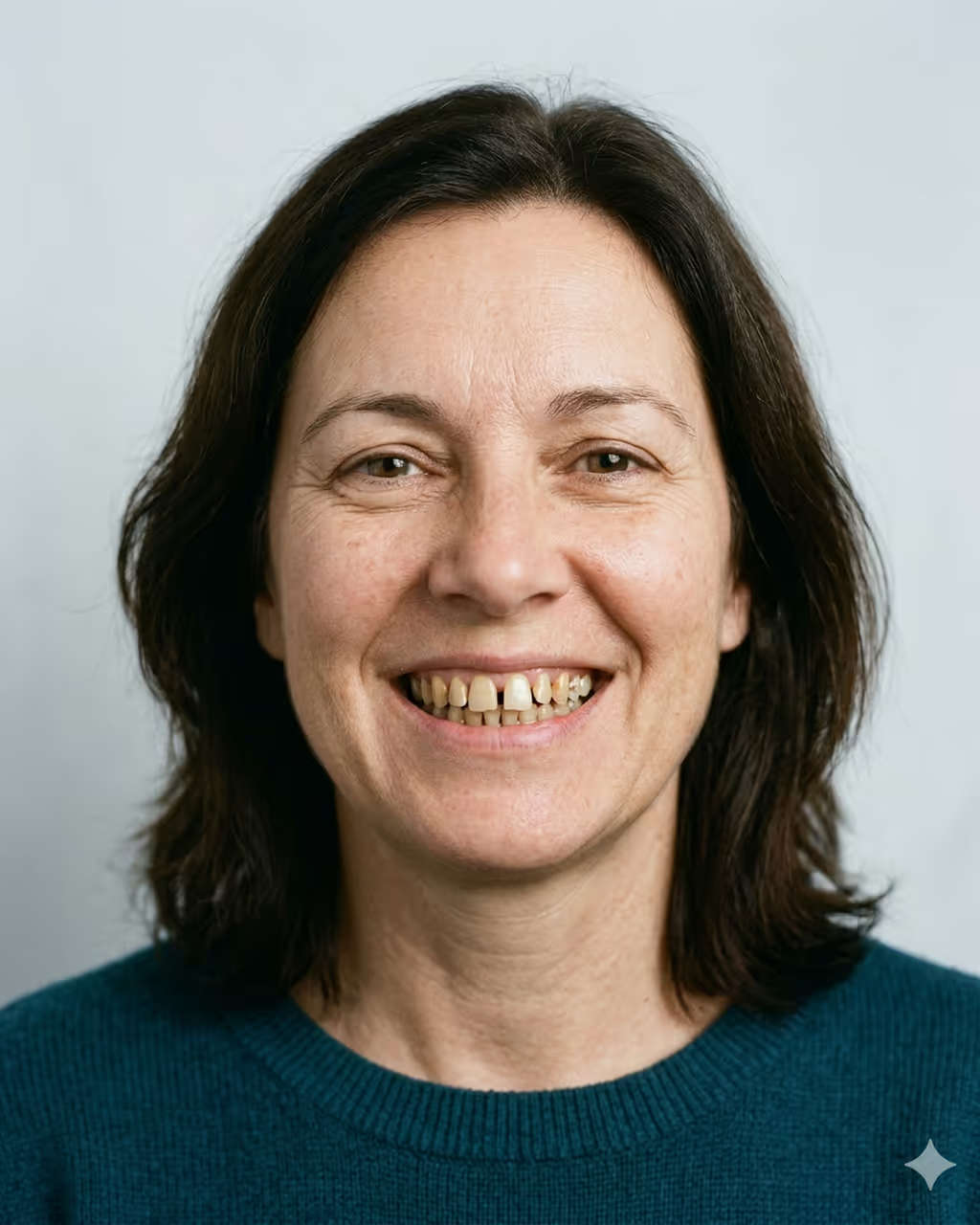
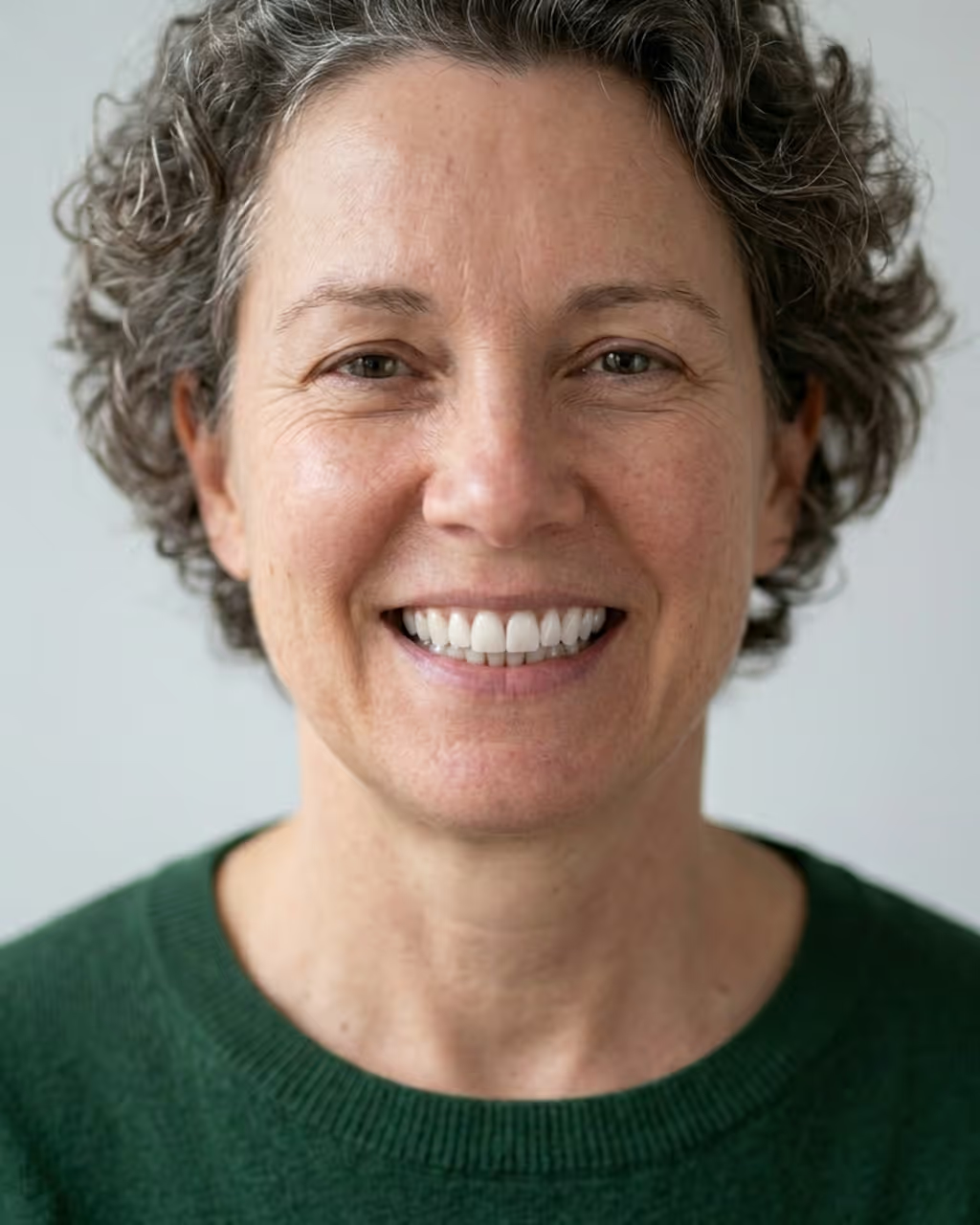
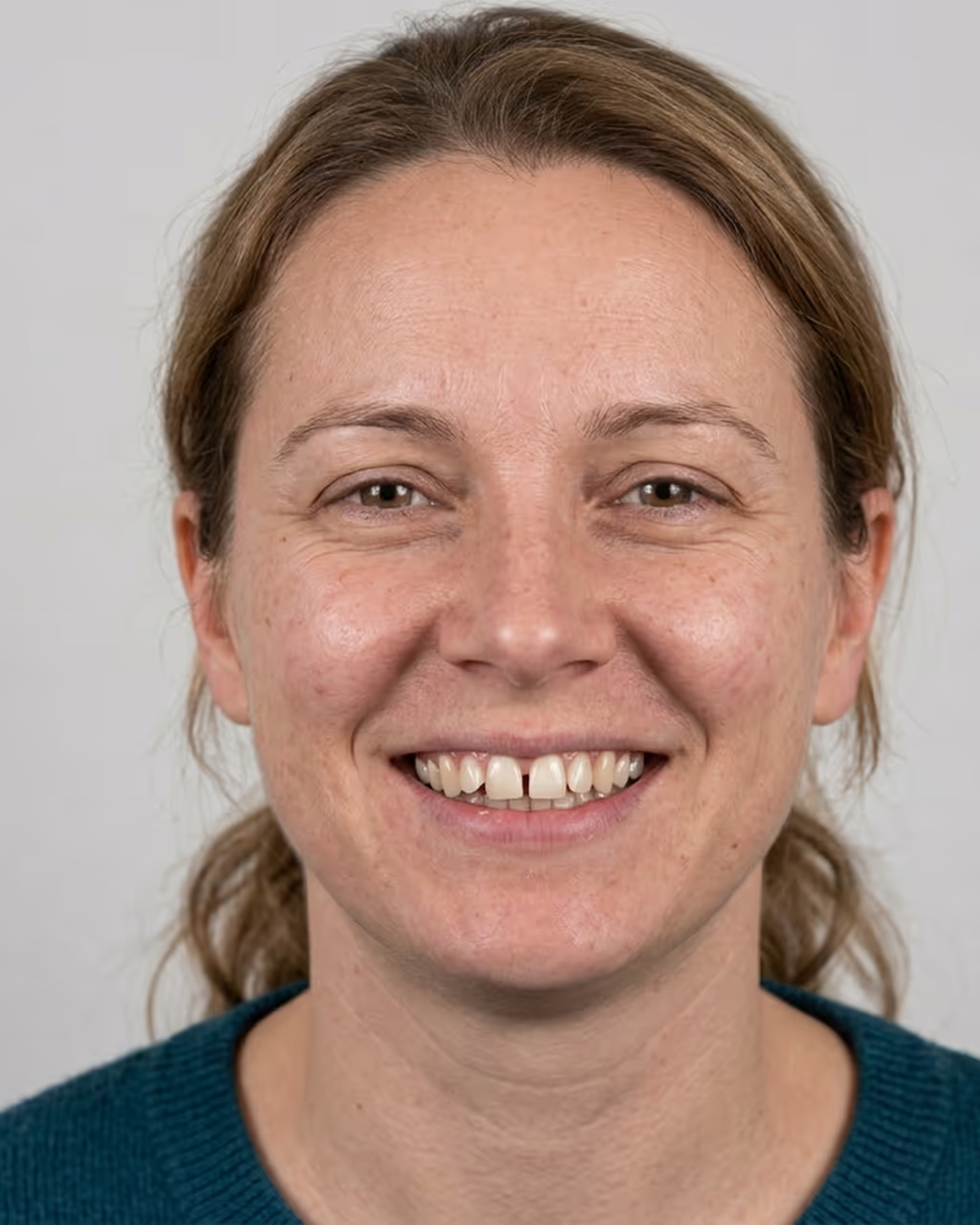
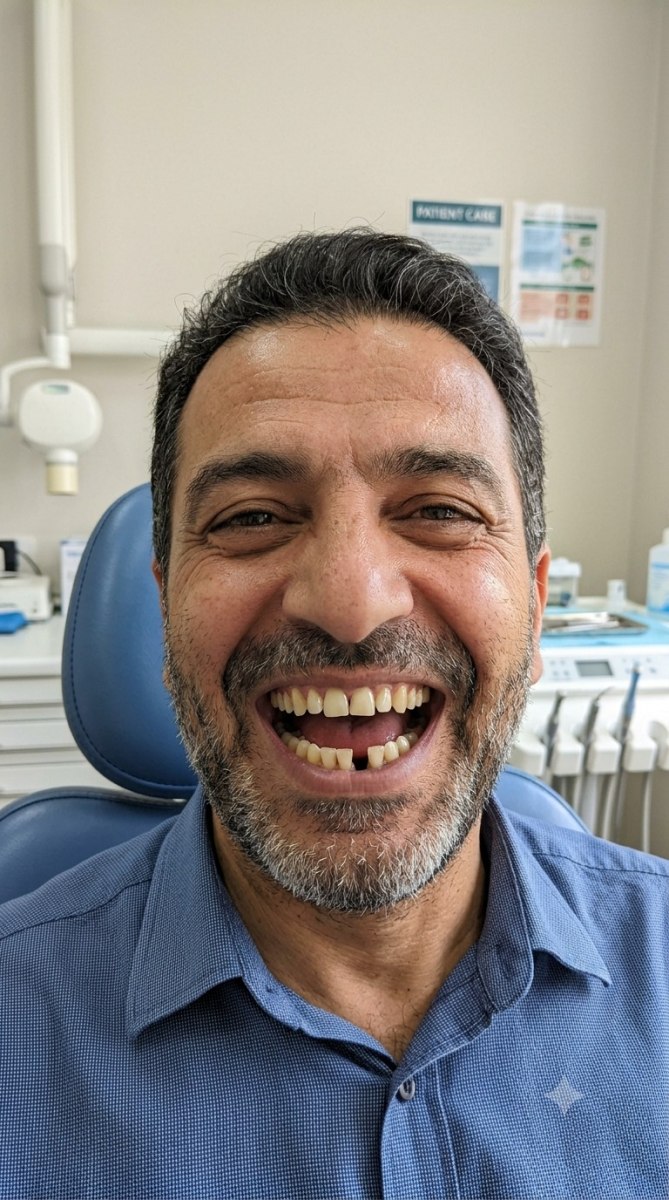
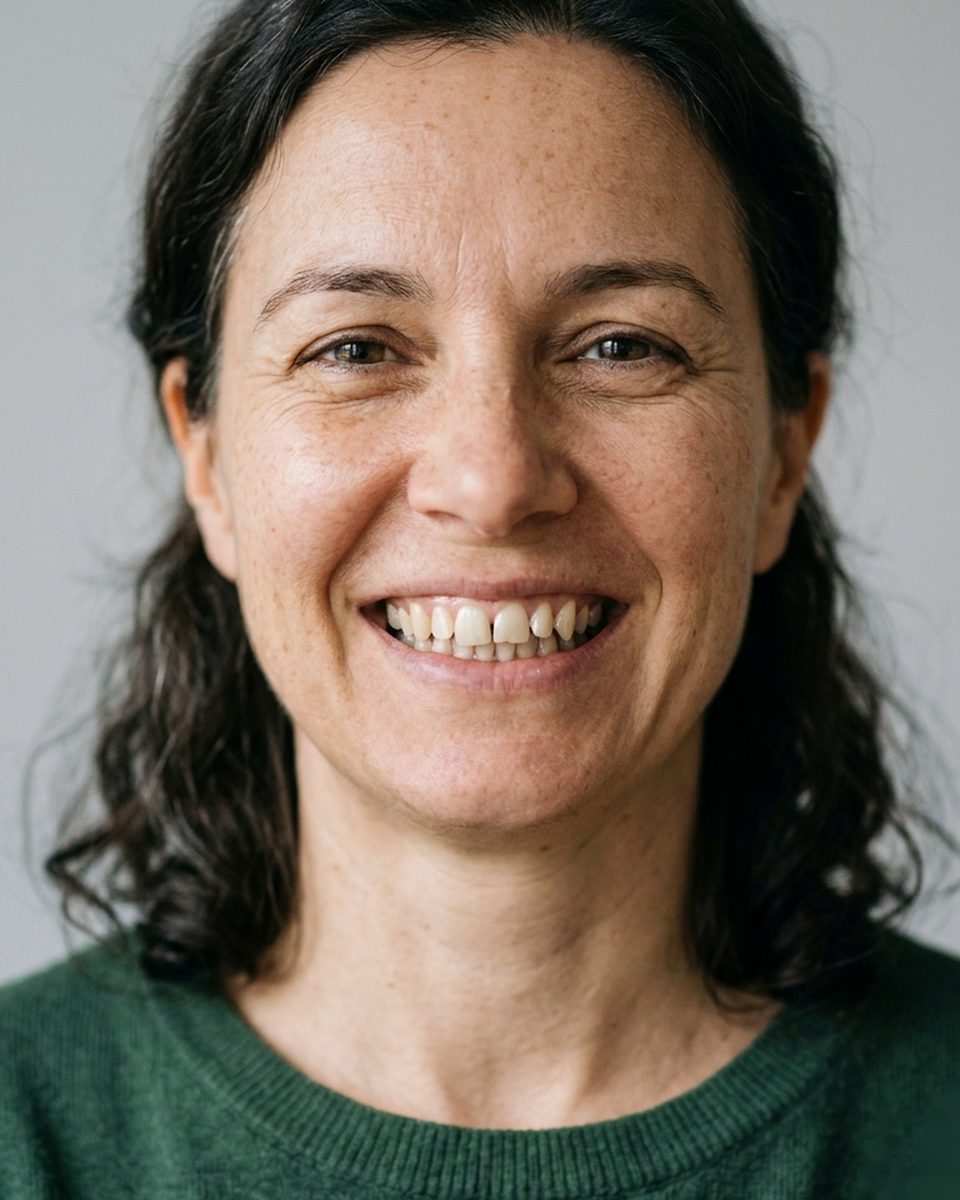
Patient smile before treatment
BeforeAfter
Drag to reveal the veneers preview

The real reason cases stall

The treatment plan is right. The patient still says “let me think about it.”

You've explained the veneers. You've shown the scans. But the patient can't picture the result on their own face, so a confident clinical recommendation quietly turns into a maybe. The follow-up never books. The case drifts.

Words don't land. “Whiter, straighter, closed gaps” means something different in every patient's head.

Hesitation costs the case. Without a clear picture, patients delay, and delayed cosmetic cases rarely come back.

The consult feels generic. A stock smile chart can't show their smile, so the moment never feels personal.

See what that hesitation is costing you →

How it works

Three steps, right at the chair.

No new workflow, no extra appointment. It fits inside the consultation you already run, on the iPad you already have.

1

Capture or upload a photo

The patient ticks a quick consent, then you take one photo on the iPad, or upload a recent one. No camera? Start from a built-in demo patient.

2

Choose procedure & options

Veneers, whitening, bonding or a full makeover. Set shade, shape and intensity so the preview matches what you'd actually do, not a generic brightening.

3

Reveal the before & after

A realistic preview appears in under a minute. Drag the slider to compare before and after, then save or share it with your patient.

One system

Three ways to use Smileproof.

Capture interest on your website, close the case at the chair, and hand the approved design to your lab. The same simulation carries all the way through.

Website widget

A visitor uploads a selfie, sees their own before-and-after, and leaves their contact details. Your website starts producing consultations instead of just describing them.

See the widget

Chairside smile simulation

One photo on the iPad becomes a realistic preview for veneers, whitening, bonding, clear aligners, implants, full-arch or a Hollywood smile. The patient sees the result before they say yes.

See a simulation

The lab report

Turn the smile your patient just approved into a clinic-branded design brief your lab can build from, with shade and translucency in the lab's own language.

See a lab report

Inside the app

Built for the moment the patient says “show me.”

Every screen is designed for the chairside conversation: clear, fast, and always labelled as an AI preview, never passed off as a real photo.

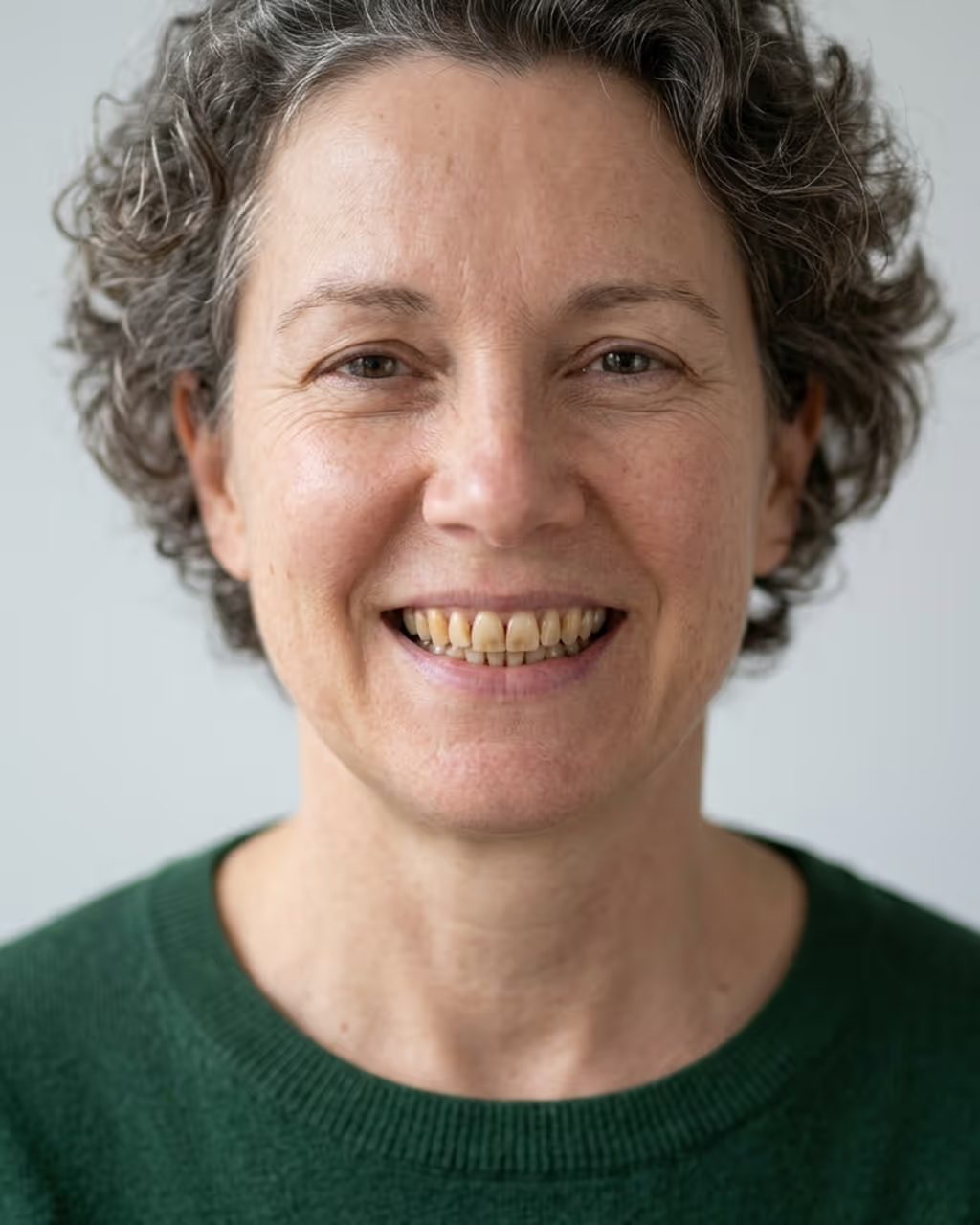
Full smile makeover preview

Compare before and after with one drag slider.

Drag the reveal slider to compare the before and after, so the patient sees exactly what changes.

Reveal sliderDrag to revealBefore & after
Smile makeover preview, first optionSmile makeover preview, second option

Only the smile changes.

Smileproof edits the teeth and smile only — the preview is designed to change nothing else about the patient's face, so it still looks like them.

Teeth onlyIdentity-safe
🗂

Nothing stored

Nothing stored& notes

Previews are processed transiently and never stored by Smileproof — nothing to save, nothing to leak. Download or WhatsApp the result in the moment; nothing stays on the device or our servers.

📤

Share & export, watermarked

Send the before/after on WhatsApp or export a clean image. Each carries the Smileproof watermark.

📅

Always labelled as a preview.

Every result is watermarked as an AI simulation and carries a clear not-a-guarantee disclaimer, so patient expectations stay honest.

🌐

Bilingual EN / Arabic + RTL

The whole interface and the before/after handle mirror cleanly into Arabic right-to-left. Switch with a single tap.

🔒

Private by design

We send the photo over an encrypted connection and confine the edit to the mouth on our server, process the preview through a secure cloud AI provider, and never store the patient's photo on our servers.

🎨

Your clinic's brand

Your clinic name appears in the app header during the consultation, so the preview feels like part of your practice.

See what hesitation costs you

Adjust the numbers to your practice. This is the revenue walking out the door when patients cannot picture the result.

Your practice

Rough numbers are fine. Adjust until it feels like your clinic.

60
25%
Veneers, whitening, bonding, full makeover.
$3,000
35%
Of interested patients, how many proceed now.
20%
Conservative default. Seeing the result removes the “I can’t picture it” objection.
Patients you’re missing
0/ month

cosmetic patients who’d likely say yes if they could see it first.

0
Cosmetic consults / month
0
Hesitating today / month
$0
Recoverable revenue / month
0
New smiles / year
$0
left on the table every year
Smileproof is one simple per-location license, priced so a single accepted case covers the year.
Show patients their proof → Book a demo
A planning estimate, not a guarantee. Your numbers, your assumptions.
How is this calculated?
We keep it deliberately simple and let you control every number:

consults = new patients × % interested in cosmetic
hesitating = consults × (1 − % you close today)
recovered = hesitating × % who say yes after seeing their smile
missed revenue = recovered × average case value

The last slider is the honest one: not everyone who hesitates will convert, even with a preview. The default assumes only 1 in 5 does. Lower it if you want to be even more conservative. The point isn’t a flashy number, it’s a number you actually believe.

Smileproof is a visualization aid, not a diagnosis or a guaranteed outcome.

One tool, every cosmetic conversation

From a single shade to a full Hollywood Smile.

Seven procedures, each with the options that matter, sampled here on cases generated in the app.

Veneers before
Veneers after
Veneers

Veneers

Preview shade and tooth shape so patients understand the difference between natural and bright before they commit.

Whitening before
Whitening after
Whitening

Whitening

Show a realistic shade lift across intensity levels, from subtle to Hollywood white, and set expectations honestly up front.

Bonding before
Bonding after
Bonding

Bonding

Close gaps, repair chips or reshape edges. Let the patient see the small change that makes a big difference.

Bonding before
Bonding after
implants

implant

Show the gap restored with a tooth that matches its neighbours. Everything else stays untouched, upper or lower.

Tooth reshaping before
Tooth reshaping after
Clear aligners

Clear aligners

Show the projected end result of aligner treatment on the patient’s own smile — before they commit to months of trays.

Why clinics use Smileproof

It's not about the photo. It's about the “yes.”

Patients decide with confidence

When they can see the outcome on their own smile, “let me think about it” becomes “let's book it.”

📈

Stronger case acceptance

A clear, personal visual turns a hesitant consult into a treatment the patient actually wants to start.

A premium chairside moment

The consultation feels modern, personal and worth the price, and patients remember it enough to refer.

Nothing new to learn

It runs on the iPad you already have and onboards in minutes. Any team member can lead the reveal.

Honest answers

The questions every clinic asks first.

Is the preview a diagnosis or a guaranteed result?

No, and we're deliberate about that. Smileproof is a visualization and communication aid to guide the conversation, not a diagnosis or a promised clinical outcome. Every preview carries a clear disclaimer, on screen and on any export.

How realistic is the preview, really?

Realistic enough to drive a real decision, and honest about what it is. It adapts shade, shape and proportion to the patient's own face, not a stock template, and it's always labelled as a preview, never passed off as a photo. The fairest way to judge it is to see it generated live on a sample case during your demo.

Where do the patient photos go?

After a consent tick, the photo is sent over an encrypted connection to our secure cloud AI provider (Google), where the edit is focused on the smile, to generate the preview. The photo is processed transiently and is never stored on Smileproof's servers. Google may retain the request for a limited period (up to 55 days) solely for abuse monitoring under its data-processing terms, and never uses it to train models. Smileproof keeps nothing — you download or share the preview in the moment, and nothing is saved anywhere.

Will patients expect the exact result they see?

The preview is presented as an illustration to guide the discussion, clearly labelled as such. Used this way it sets expectations better than words alone.

Does it need internet, or a subscription?

Yes — it needs an internet connection. Previews are generated in the cloud through a secure AI provider, and the photo is discarded right after. It's a simple per-location subscription with no separate per-photo fee.

How long does it take a team to learn?

Minutes. It's built for the chairside flow (photo, procedure, reveal), so any team member can run it on the first day.

Does it work in Arabic?

Fully. Smileproof is bilingual English / Arabic with complete right-to-left support. Switch language with one tap.

🛡️

Built to be trusted

Patient photos are protected at every step.

Smileproof is a cosmetic visualization aid, never a diagnosis or a guaranteed outcome. Consent comes before capture, and the disclaimer stays on every result. We send the photo over an encrypted connection with the edit focused on the smile, generate the preview through a secure cloud provider, and never store the patient's photo.

Consent before capturenever stored  Disclaimer on every exportEN / Arabic + RTL
Start free

See it on your own patients.

Book a 20-minute demo — you leave the call with a 30-day pilot: 100 smile previews + 5 lab reports, no card. Founder-led setup, no commitment.

20 minutes, online or at your clinic. Pilot activated on the call — 100 previews, 5 reports, no card.

Pilot activated on the call — 100 previews, 5 lab reports, no card.

Thank you! Your submission has been received!
Oops! Something went wrong while submitting the form.
Website widget

Your website, turned into a smile-preview machine

Patients browsing your site upload a selfie, see their own new smile in seconds, and leave their name and number to make it real. You get the lead. They get a reason to book.

1
A visitor uploads a selfie on your website, right where they were already looking.
2
They see their own smile after treatment: whitening, veneers, bonding and more.
3
To view it, they leave their name and number. The lead lands in your Smileproof account, with an email alert the moment it arrives.

One line of code on your site. We activate it for you, no developer needed.

See the widget on your site
Bright Smile Dental
Your new smile
Full name
Phone number
Show my new smile
New lead: Sara M, veneers, 2 min ago
Smileproof
Smile Design Brief
Case SP-0147
Current
Approved preview
Shade
A1
Mould
Soft square
Translucency
Incisal third
Design reference only. Your lab takes every measurement chairside.
Lab report

From approved preview to lab-ready design brief

The patient said yes to a picture. Hand your lab that exact picture, as a clean design brief, so everyone is building toward the smile that was approved in the chair.

One tap after the preview: a print-ready PDF with the before photo and the approved design side by side.
Shade, mould and translucency pre-marked from the case, ready to circle and confirm.
No measurements printed, ever. It carries the design intent; your lab owns the numbers.
See a sample brief